In modern construction, shop drawings play an essential role in bridging the gap between design and actual construction. At BIMCAD, we support various construction projects through detailed shop drawing implementation, helping optimize coordination processes and improve construction accuracy.
In this article, BIMCAD will explore some of the most common types of shop drawings used in construction and the role each drawing plays throughout the project execution process. Each type of drawing serves a different purpose in construction and technical coordination. Let’s take a closer look at them in the sections below.

A shop drawing is a type of drawing that represents information related to the main structural components of a building. Simply put, it illustrates critical load-bearing elements such as columns, beams, slabs, walls, along with other related technical details.
This is one of the most important types of shop drawings during construction, as it clearly shows structural symbols, installation locations, and technical specifications for each structural component.
In construction projects, the most common types include:
These drawings play a core role in the construction and implementation of a building’s structural framework.

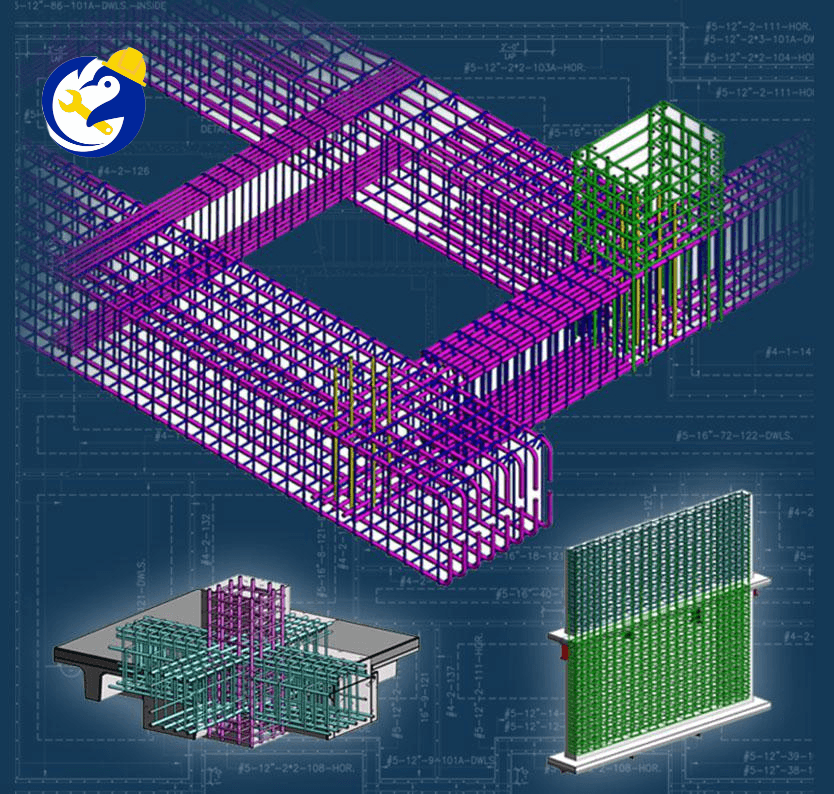
Reinforced concrete structural drawings are shop drawings used to develop structural components such as columns, beams, slabs, and walls based on structural design drawings. These drawings clearly present dimensions, elevations, openings, and additional reinforcement/thickening details while ensuring the integrity of the building’s main structure.
Typically, these drawings are represented in an “upward-looking floor plan” view, covering the area from the current floor slab to the slab above. For more complex areas, additional sections and detailed drawings are included to simplify construction and coordination.
These drawings serve as the foundation for:
In many modern high-rise residential projects, precast concrete components are manufactured in factories and assembled on-site. In such cases, PC fabrication drawings are also developed based on these structural drawings.
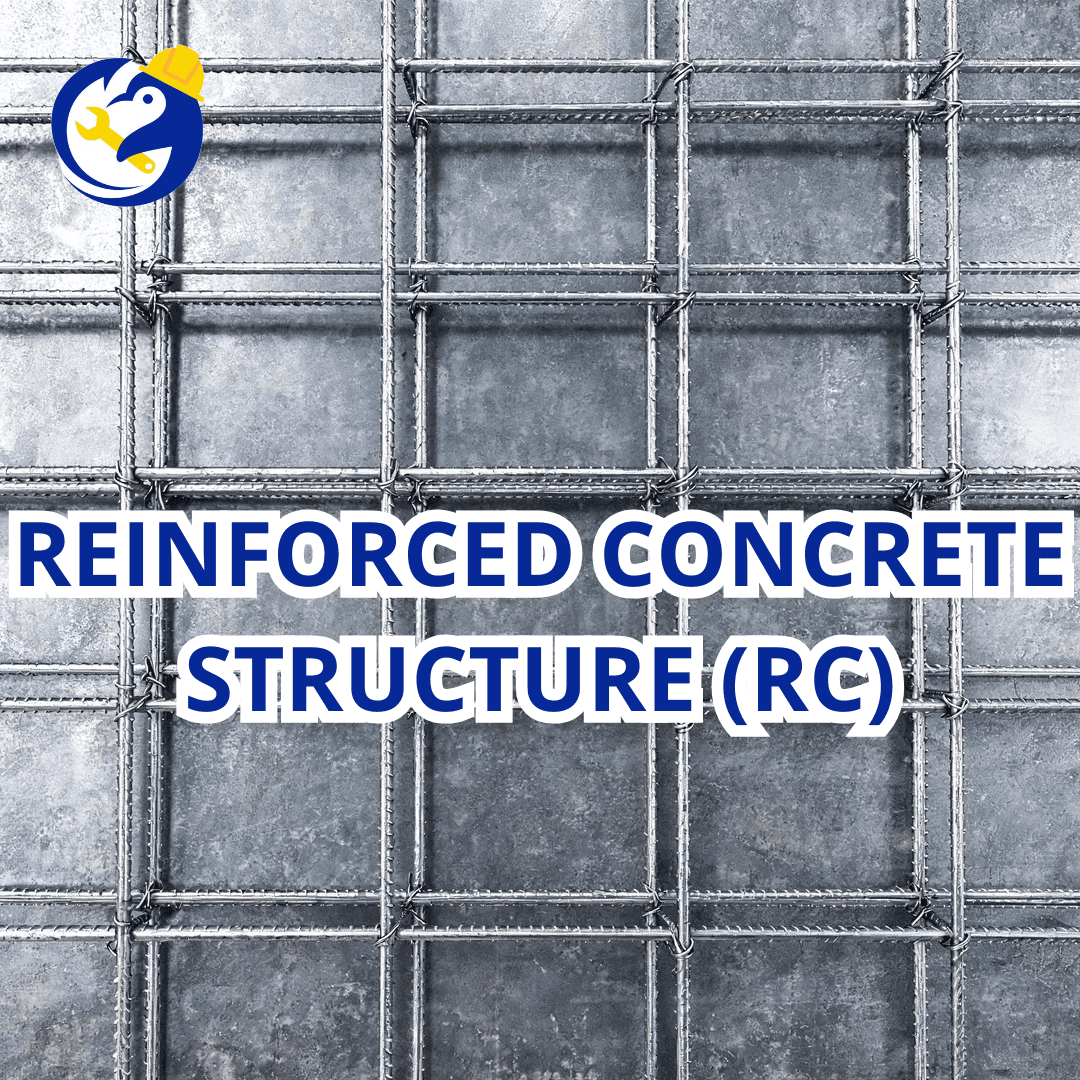
Learn more: REINFORCED CONCRETE STRUCTURE
Steel floor framing drawings are commonly used in steel structure projects to illustrate floor layouts, steel beams, openings, and related technical information. Unlike reinforced concrete structural drawings, which are typically viewed from below, these drawings are generally presented in a “top-down” floor plan view.
These drawings play a key role in superstructure construction and also serve as the basis for:
In high-rise steel projects, floor framing drawings are essential for accelerating construction progress. Additionally, in areas with complex floor elevations such as entrance floors or rooftop levels, reinforced concrete buildings may also require this type of drawing.
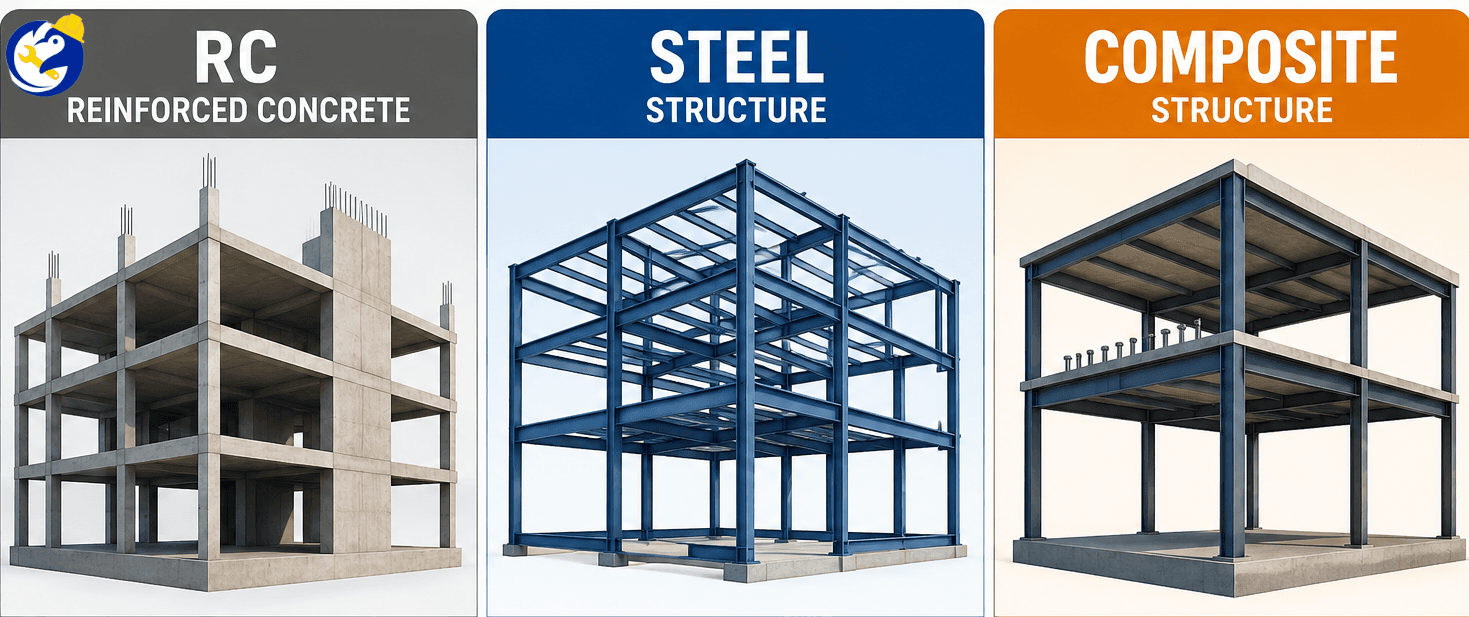
Learn more: Comparison Between Steel Structures and Reinforced Concrete Structures
Criteria | Reinforced Concrete Shop Drawing (RC Shop Drawing) | Steel Shop Drawing |
|---|---|---|
Purpose | Used for formwork installation, rebar placement, and on-site concrete pouring. | Used for steel component fabrication in factories and on-site erection. |
Main Components | Columns, beams, slabs, walls, openings, elevations, and rebar details. | Steel columns, steel beams, bracing, base plates, bolts, welds, and structural connections. |
Drawing Characteristics | Focuses on structural dimensions, rebar layouts, and coordination with MEP systems before concrete pouring. | Focuses on connection details, fabrication feasibility, and erection sequencing. |
Construction Process | Constructed step-by-step: formwork installation → rebar fixing → concrete pouring → curing. | Steel components are prefabricated in factories and then transported to the site for assembly. |
Construction Speed | Slower due to concrete curing and hardening time requirements. | Faster thanks to prefabricated and pre-assembled steel components. |
Shop Drawing Complexity | Complex in terms of rebar detailing, MEP openings, clash coordination, and elevation adjustments. | Complex in terms of steel connections, welding details, and fabrication accuracy. |
Common Software | Revit, AutoCAD, TakaCAD | Tekla Structures, Advance Steel |
If you are looking for a tool to support automated structural design and shop drawing development, try the free version of TakaCAD today.
TakaCAD is integrated into the VinaCAD platform and supports 2D rebar detailing for structural components such as beams, columns, slabs, and foundations in just one click. It also includes rebar distribution, quantity takeoff, and detailed reporting features for reinforcement layouts and estimation.
Currently, the TakaCAD version is 100% free to use and is available specifically for beam reinforcement detailing.
You can download and try the VinaCAD software here.

Shop drawings serve as a critical bridge between design and actual construction, helping projects be executed more accurately and efficiently. Each type of drawing — whether structural, steel, MEP, or finishing — plays its own important role in construction and technical coordination.
Today, with the rapid development of BIM and digital technologies, shop drawings have become increasingly essential for reducing errors, optimizing project schedules, and improving overall construction quality.
Are you looking for BIM software, CDE solutions, enterprise management systems for construction, or any BIM/CAD-related technology solutions for your projects?
BIMCAD Vietnam is always ready to support and accompany you!