For many years, rebar detailing has remained one of the most complex and time-consuming tasks in structural design. Traditional CAD software has been the standard tool, but it was never built to handle the logic of reinforcement detailing.
A solution that allows engineers to detail rebar faster and more accurately—without manually drawing every single bar?
Until recently, that was almost impossible. However, as demands for tighter schedules, higher accuracy, and better project coordination continue to grow, traditional methods are reaching their limits.
TakaCAD — a rebar detailing tool built directly on the VinaCAD platform — is introducing a new way of working.
It goes beyond simply assisting with drafting. It embeds design logic directly into the detailing process itself. From rebar arrangement and drawing production to quantity takeoff — everything is gradually being automated.
You can also explore more details about TakaCAD in the article below to better understand how it transforms rebar detailing workflows and improves both speed and accuracy in real projects.

TakaCAD is a rebar detailing tool that runs directly on a CAD platform (VinaCAD), designed to automate the process of drawing and placing reinforcement within structural elements.
Unlike using traditional CAD alone, TakaCAD integrates:
Tt transforms workflows from “manual drafting” to “system-driven detailing.”
With TakaCAD, engineers can:

With traditional CAD: Each rebar = one manual action
With TakaCAD: Each structural element = one embedded logic
The software enables:
Instead of drawing each bar individually, engineers simply:
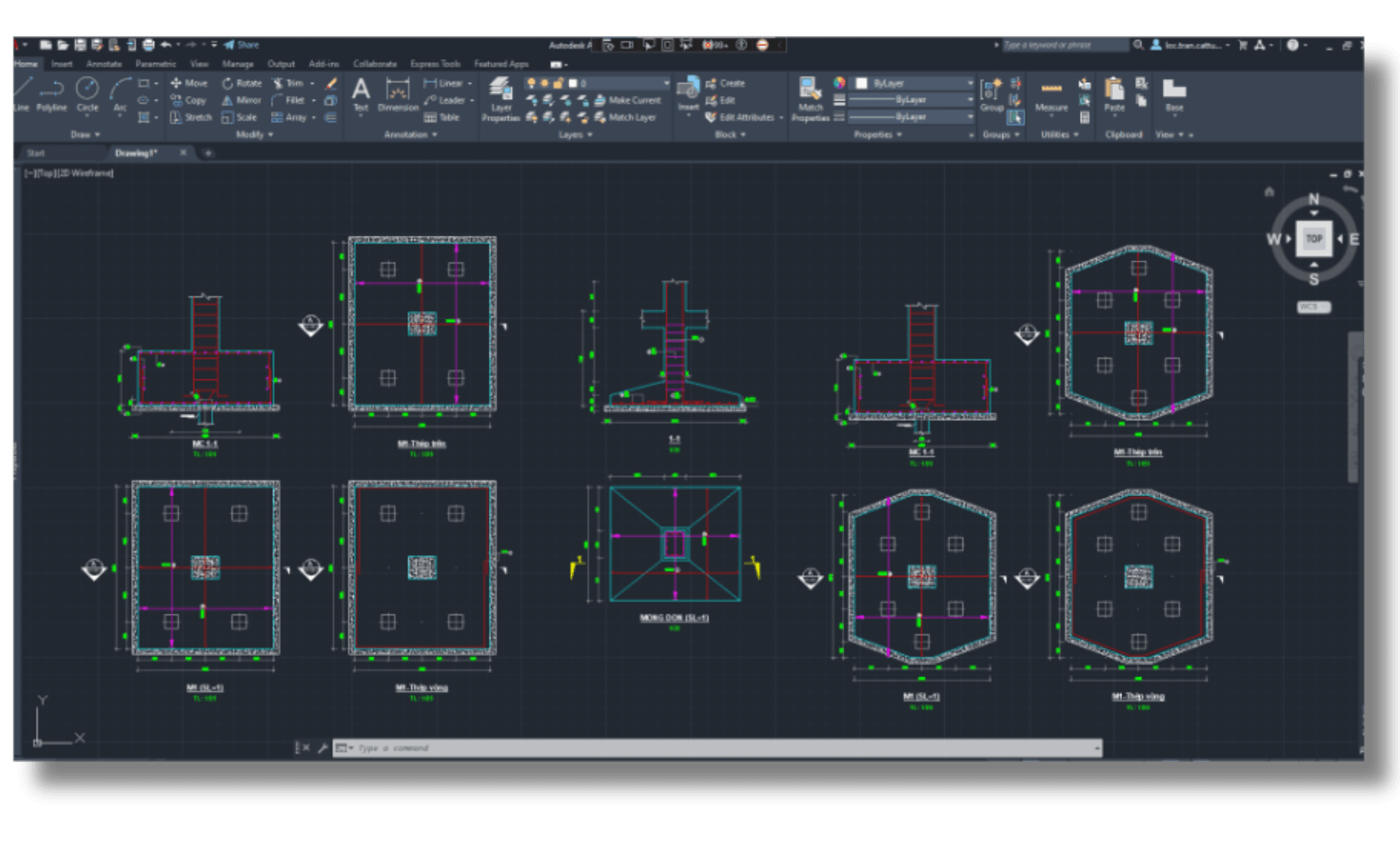
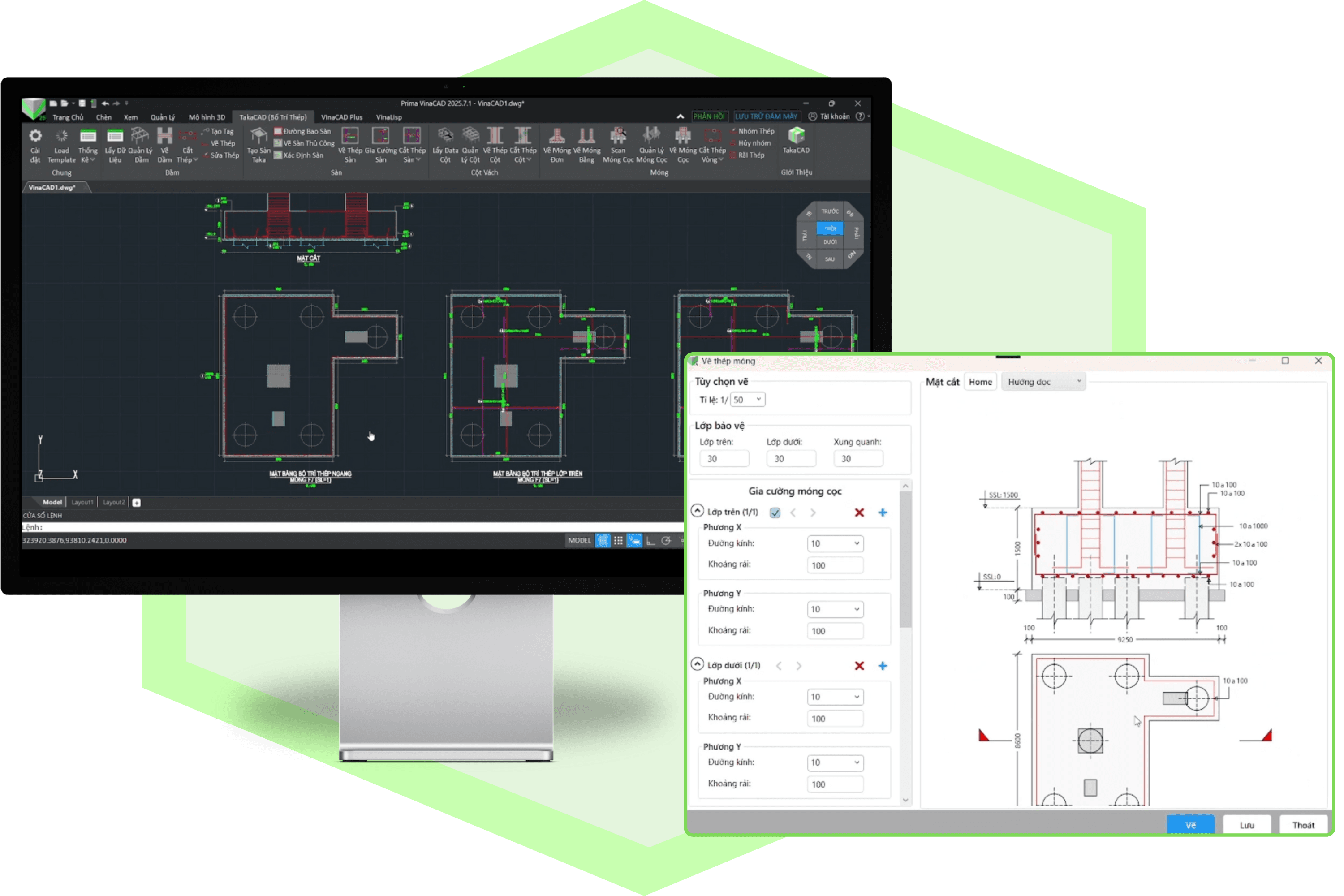
One of the strongest advantages of TakaCAD is its ability to:
Detail entire structural elements with just a few simple steps
All of these can be handled within a unified workflow, allowing engineers to:
Instead of repeatedly drafting similar elements, TakaCAD enables users to apply predefined logic and parameters across multiple components.
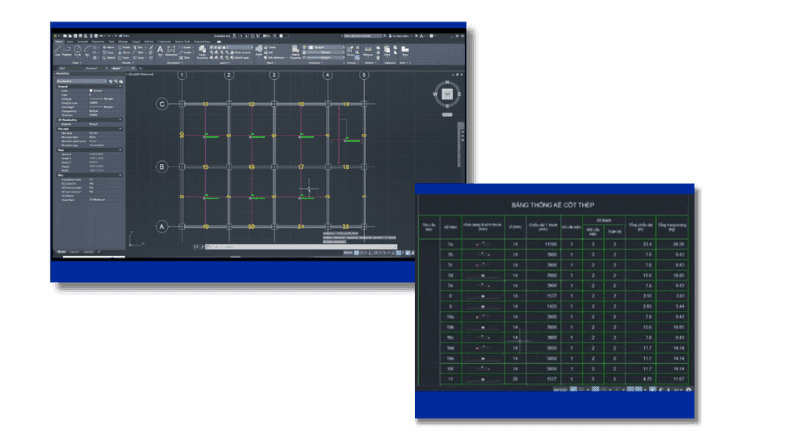
Another major challenge in rebar detailing is: Manual quantity takeoff = high risk of errors
TakaCAD addresses this by:
Instead of measuring and summarizing quantities manually, all data is directly derived from the model and detailing logic, ensuring consistency between drawings and quantities.
TakaCAD is not a standalone software — it runs directly on VinaCAD
This brings several benefits:
You’re not just getting a detailing tool — you’re working within a complete, connected workflow.

Automates repetitive tasks, reducing rebar detailing time by 50–70% and allowing engineers to focus on design and coordination.
Built-in logic ensures correct spacing, cover, and alignment, keeping data consistent and reducing costly mistakes.
Links modeling, drawings, and quantity takeoff, improving collaboration and project delivery.
Runs on VinaCAD, enhancing existing CAD setups with automation and integrated rebar detailing without needing to switch platforms.
Learn more: VinaCAD - Vietnamese CAD Standards for Professional Workflows
TakaCAD is more than a CAD plugin. It tackles the most error-prone part of a project—rebar detailing—by turning manual drafting into automated, controlled workflows. Paired with VinaCAD, it becomes part of a complete workflow from drawings to construction, helping teams work faster and more accurately.
If you are interested in implementing CAD BIM, let the BIMCAD Vietnam team assist you. We provide solutions ranging from strategic consulting and software implementation to training and system operation.