Although Web 3D offers significant benefits for sharing and utilizing 3D data, successful implementation requires organizations to choose the right technologies and platforms based on their specific needs.
In this section, we will explore the practical applications of Web 3D, the challenges involved in deployment, and some of the most widely used Web 3D solutions available today.

Learn more: WHAT IS WEB 3D? AN EFFICIENT SOLUTION FOR SHARING 3D MODELS AND DATA (PART 1)
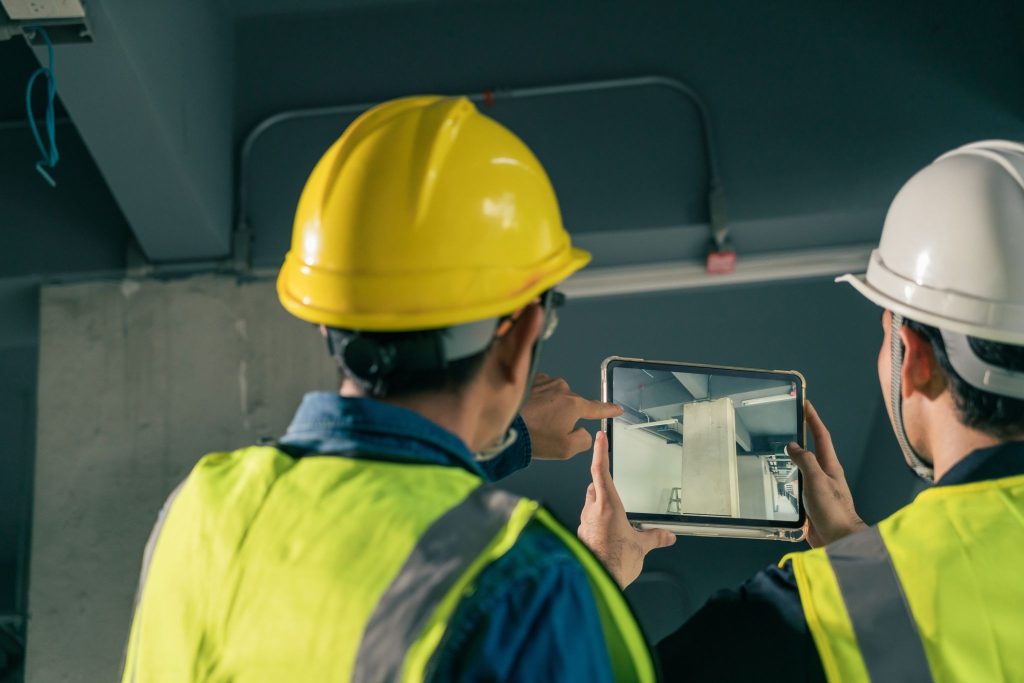
Web 3D is being adopted across various stages of a project, from design and construction to operations and maintenance. One of its key advantages is the ability to allow multiple stakeholders to access and work with the same 3D model, improving collaboration and information sharing throughout the project lifecycle.
| Use Case | Primary Usage | Key Benefits |
|---|---|---|
| Design Review (Internal) | Share 3D models in a browser for review and feedback | Reduces version confusion and improves review efficiency |
| Construction Monitoring (On-site & Remote) | Site teams and office staff access the same model to track progress and resolve issues | Faster information updates and reduced communication gaps |
| Client Presentations (Sales & Business Development) | Use tablets or web browsers to present interactive 3D models | Improves client understanding and supports decision-making |
| Operations & Maintenance Management | Inspect, record, and share information directly on the 3D model | Centralized data and more efficient asset management |
Web 3D creates a collaborative environment where all stakeholders can access a single source of project data, regardless of their technical background. As a result, organizations can improve cross-department collaboration, maximize the value of 3D data, and support digital transformation throughout the entire project lifecycle.
While Web 3D offers many advantages, organizations should carefully evaluate factors such as data management, performance, and security before deployment. Proper planning from the beginning will help ensure a smoother and more successful implementation.
Making a model accessible through a web browser does not automatically mean it is ready for production use. In many cases, organizations need additional steps such as configuration, data conversion, or integration with existing systems.
In addition, different Web 3D platforms support different file formats and model size limitations. Therefore, it is recommended to start with a pilot project or small-scale deployment before rolling out the solution organization-wide.
CAD and BIM models often contain large amounts of detailed information and can have substantial file sizes. If these models are published directly to the web without optimization, loading times and user experience may be affected.
For this reason, data conversion, model optimization, and file size reduction are essential steps. This is particularly important for mobile users or environments with limited internet bandwidth, where optimized models can significantly improve performance.
The ability to share models via links makes collaboration easier, but it also introduces important security considerations.
Organizations should implement appropriate user authentication, permission management, and access control policies to ensure that sensitive project information is protected. Integrating security measures from the beginning can help minimize the risk of unauthorized access and data leaks.
When adopting Web 3D, one of the most important decisions is determining whether a company only needs a Viewer or requires an SDK for deeper integration with existing systems.
A Viewer allows users to upload and view 3D models directly in a web browser. Solutions such as Autodesk Viewer enable fast model viewing and sharing without requiring custom software development.
An SDK (Software Development Kit), on the other hand, is designed for developers who want to integrate 3D capabilities into project management systems, internal portals, or broader digital transformation platforms.
In simple terms:
| Viewer | SDK |
|---|---|
| Easy to deploy and use immediately | Requires development and system integration |
| Short implementation time | Requires planning and detailed system design |
| Ideal for viewing and sharing models | Ideal for long-term management and operational workflows |
| Minimal technical requirements | Highly customizable and scalable |
In summary, if your goal is to quickly share and review 3D models, a Viewer is often the best choice. However, if you want to integrate 3D data into your business processes and build a long-term digital platform, an SDK provides greater flexibility, customization, and scalability.
More than just a tool for viewing drawings and 3D models in a web browser, VinaCAD Web is designed to help organizations manage, share, and utilize CAD/BIM data more effectively throughout the entire project lifecycle.
With cloud-based access, VinaCAD Web enables teams, partners, and clients to access the same source of information anytime, anywhere. This helps streamline collaboration, communication, and decision-making while reducing errors caused by inconsistent or outdated data.
In addition to supporting the viewing and sharing of drawings, VinaCAD Web provides a foundation for organizations to gradually build digital workflows, enhance remote collaboration, and improve project data management in an increasingly digital environment.
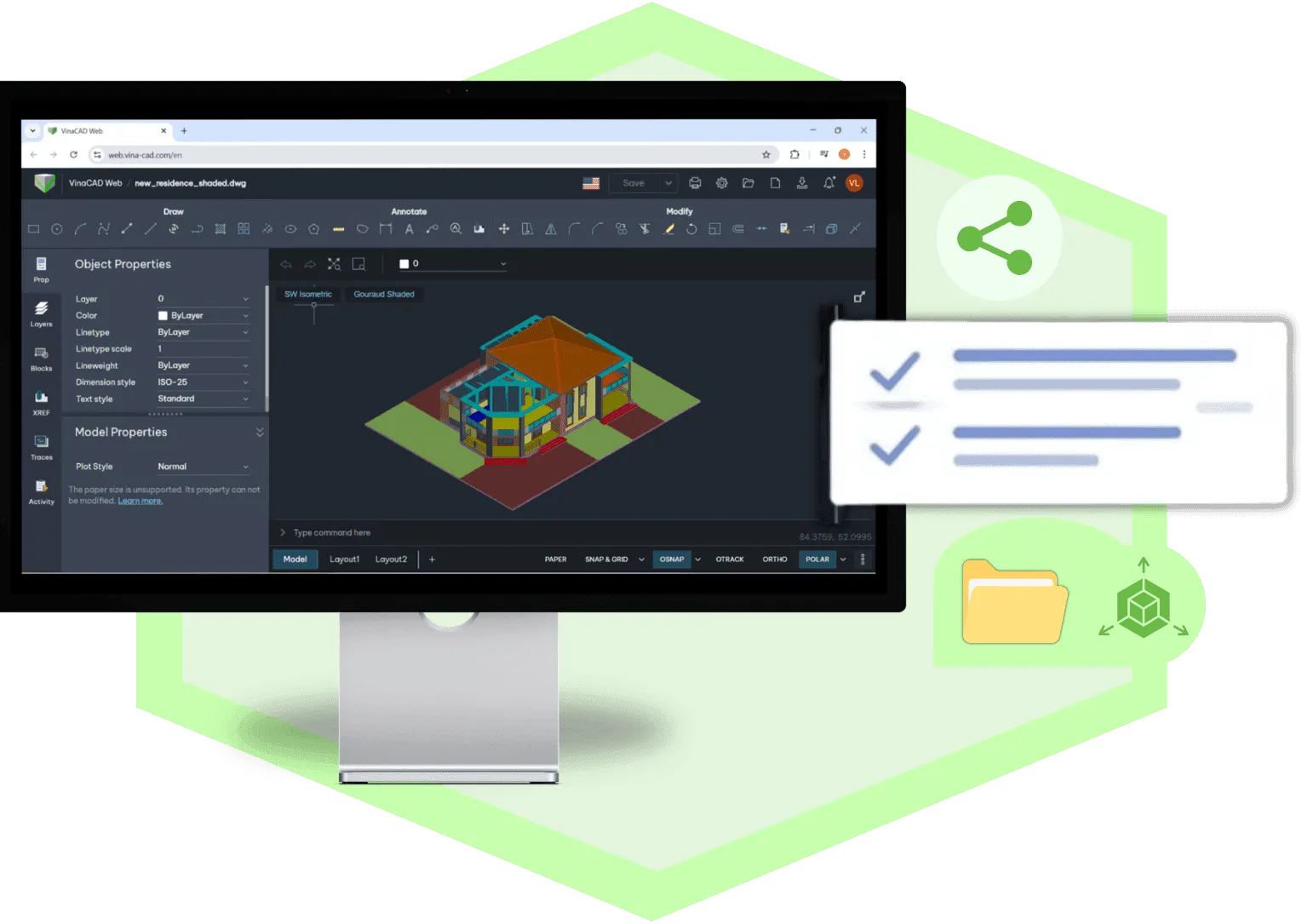
Web 3D is transforming the way organizations share, manage, and utilize CAD/BIM data. From viewing models directly in a web browser and supporting collaboration and reviews to integrating with management systems and digital platforms, Web 3D helps businesses improve coordination and optimize their workflows.
For organizations pursuing digital transformation, solutions like VinaCAD Web not only simplify access to project data but also provide a foundation for better information connectivity, enhanced collaboration, and greater utilization of technical data throughout the entire project lifecycle.
Are you experiencing difficulties implementing BIM, Revit, CDE, or any technology and engineering solutions related to BIM for your project?
Don’t worry — BIMCAD Vietnam is always ready to support you!