In the context of the construction industry undergoing a strong digital transformation, fragmented workflows across Desktop, Cloud, and Mobile are no longer effective. Organizations increasingly require a unified platform where data is seamlessly connected and all stakeholders can collaborate efficiently in real time.
The VinaCAD Platform was developed as a solution to this challenge — not just as a CAD software, but as a comprehensive working ecosystem that connects Desktop, Cloud, Web, and Smartphones.
Let’s explore this platform in detail in the article below.

In the past, CAD was primarily limited to basic functions such as drawing creation, file editing, and local storage on personal computers. This workflow was suitable for earlier stages, when collaboration demands were low and data did not need to be continuously shared among multiple stakeholders.
However, in today’s project environment, this approach reveals several limitations: files must be exchanged repeatedly, version conflicts are common, and stakeholders cannot access data simultaneously. As a result, coordination becomes fragmented, error-prone, and directly impacts project timelines.
The VinaCAD Platform transforms this way of working by:
As a result, CAD drawings are no longer static files, but become “live data” throughout the entire project lifecycle.
VinaCAD Desktop serves as the core design engine, where engineers can create and work with large DWG drawings using a full suite of professional CAD tools. The platform is optimized for high performance, effectively handling complex technical tasks in real-world working environments.
Beyond design, VinaCAD Desktop also allows users to store and synchronize data directly to the Cloud, enabling a seamless transition into sharing, collaboration, and data management across the entire project workflow.
Key highlights:
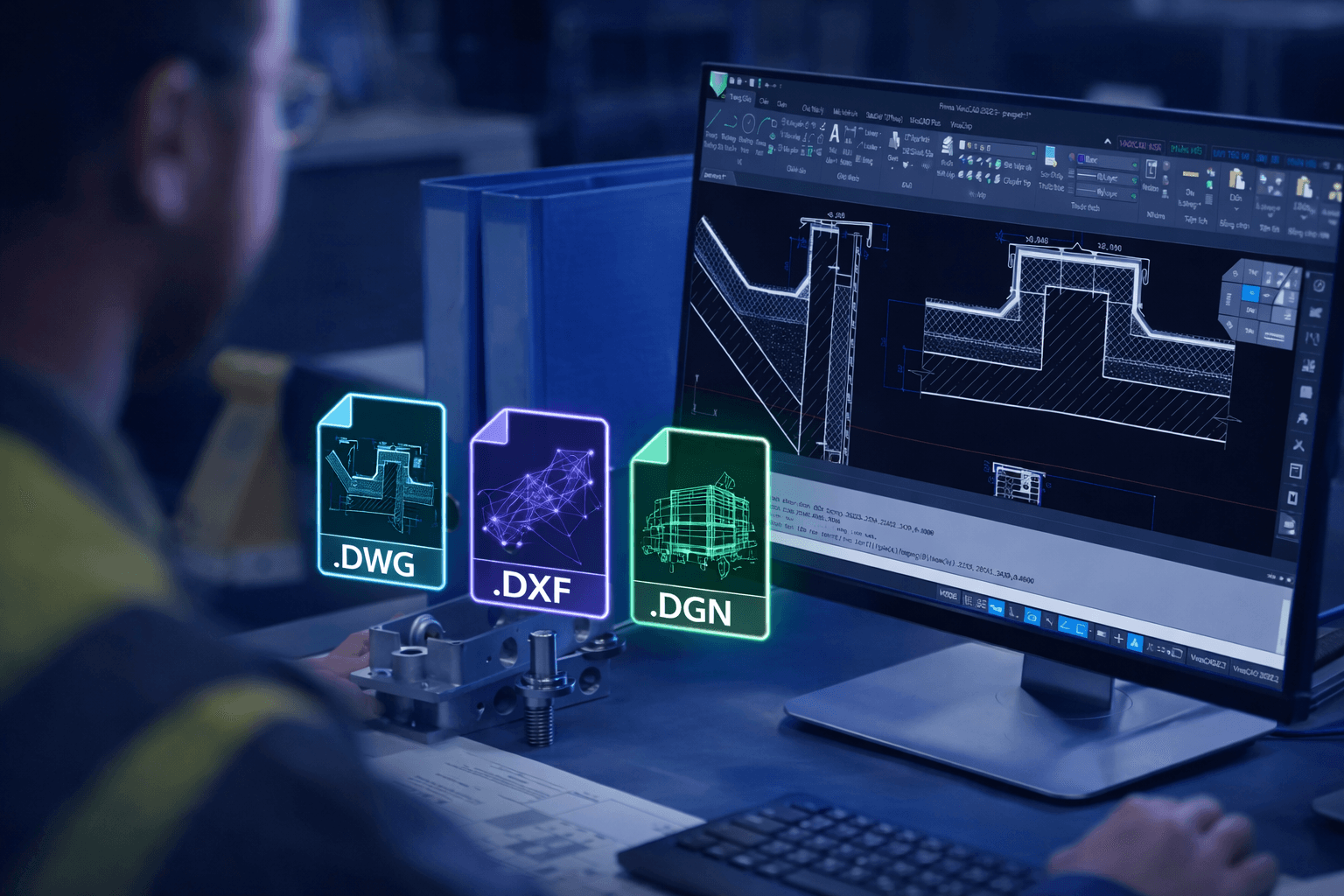
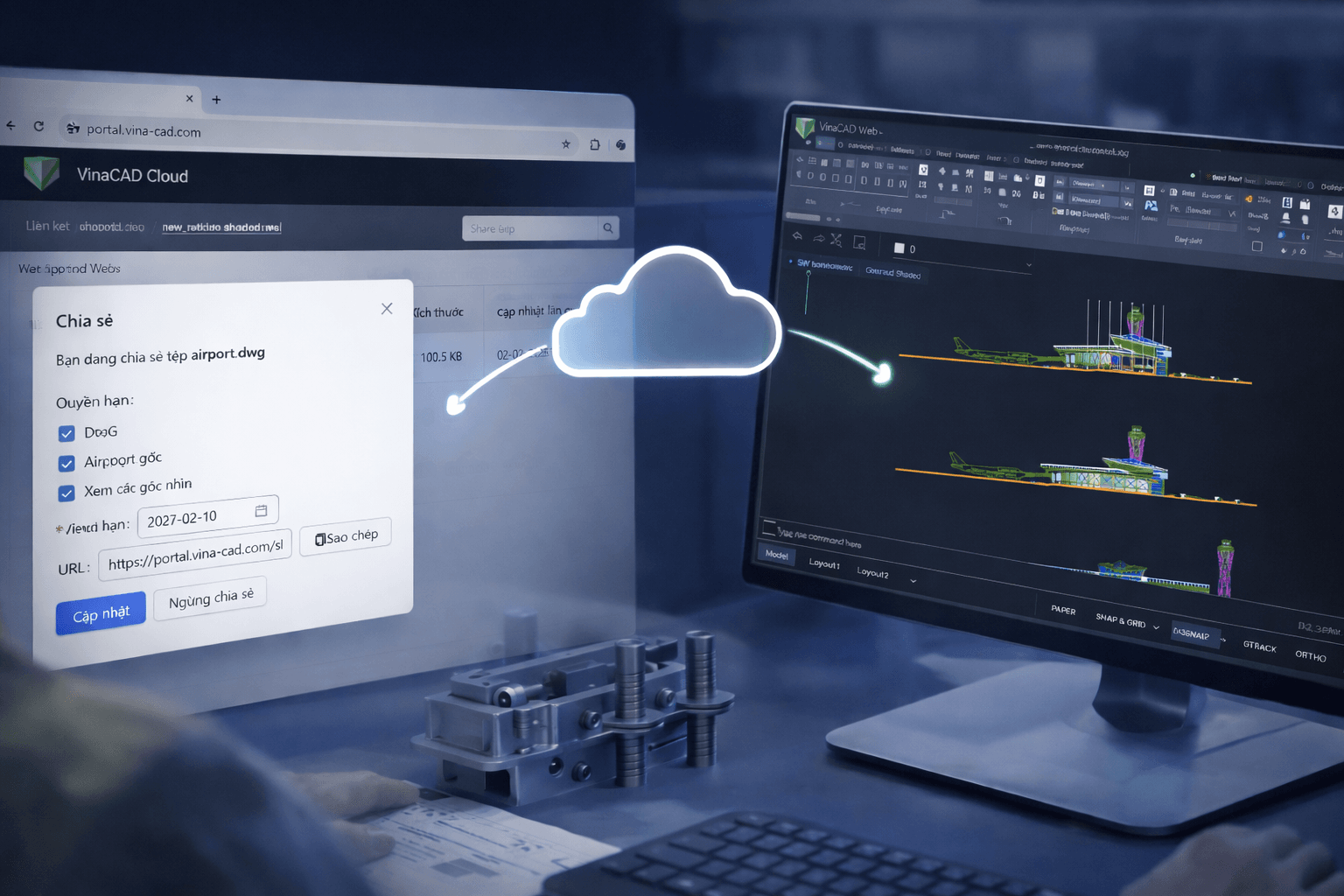
VinaCAD Cloud acts as the central hub for storing, managing, and connecting all drawing data within a project. Through a web-integrated Portal platform, users can access, monitor, and collaborate directly on DWG drawings without the need to install any software.
The platform ensures that all data is continuously synchronized and updated in real time, while creating a centralized working environment where all stakeholders can access and work on a single source of truth.
Key highlights:
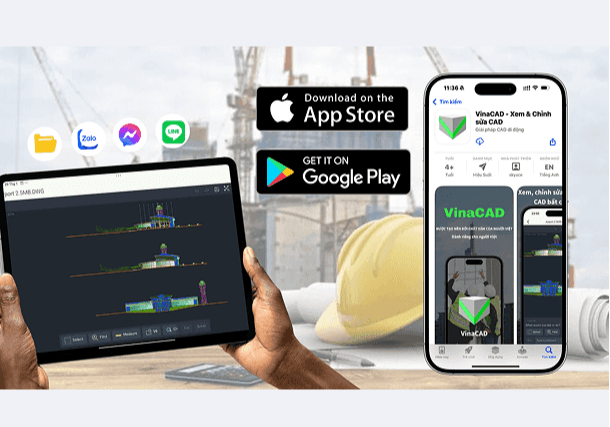
VinaCAD Smartphone extends the working environment beyond the office, allowing engineers and stakeholders to access DWG drawings directly on-site. With just a mobile device, users can view, inspect, and provide feedback on drawings without relying on a computer.
Data is continuously synchronized with the Cloud, ensuring that on-site information is always up to date and fully connected to the entire system. This helps shorten issue resolution time, reduce information discrepancies, and improve overall project coordination.
Key highlights:
Currently, the platform has achieved:
These numbers reflect the growing interest in modern CAD solutions within the construction industry.
They also highlight a clear market trend: businesses are gradually shifting from using fragmented tools to integrated platforms, where data is connected, synchronized, and managed seamlessly throughout the entire project lifecycle.

Register for VinaCAD Platform today to experience it firsthand
VinaCAD Platform not only helps engineers optimize design speed and performance, but also transforms the way projects are executed by enabling seamless connectivity across platforms. As a result, users can work anytime, anywhere, with data continuously synchronized and all stakeholders easily collaborating on a single source of truth.
This is the foundation that enables businesses to gradually realize digital transformation in construction — turning data into a valuable asset throughout the entire project lifecycle.
Are you facing challenges in implementing BIM, Revit, CDE, or any technology and technical aspects related to BIM for your project?
Don’t worry — BIMCAD Vietnam is always ready to support you!