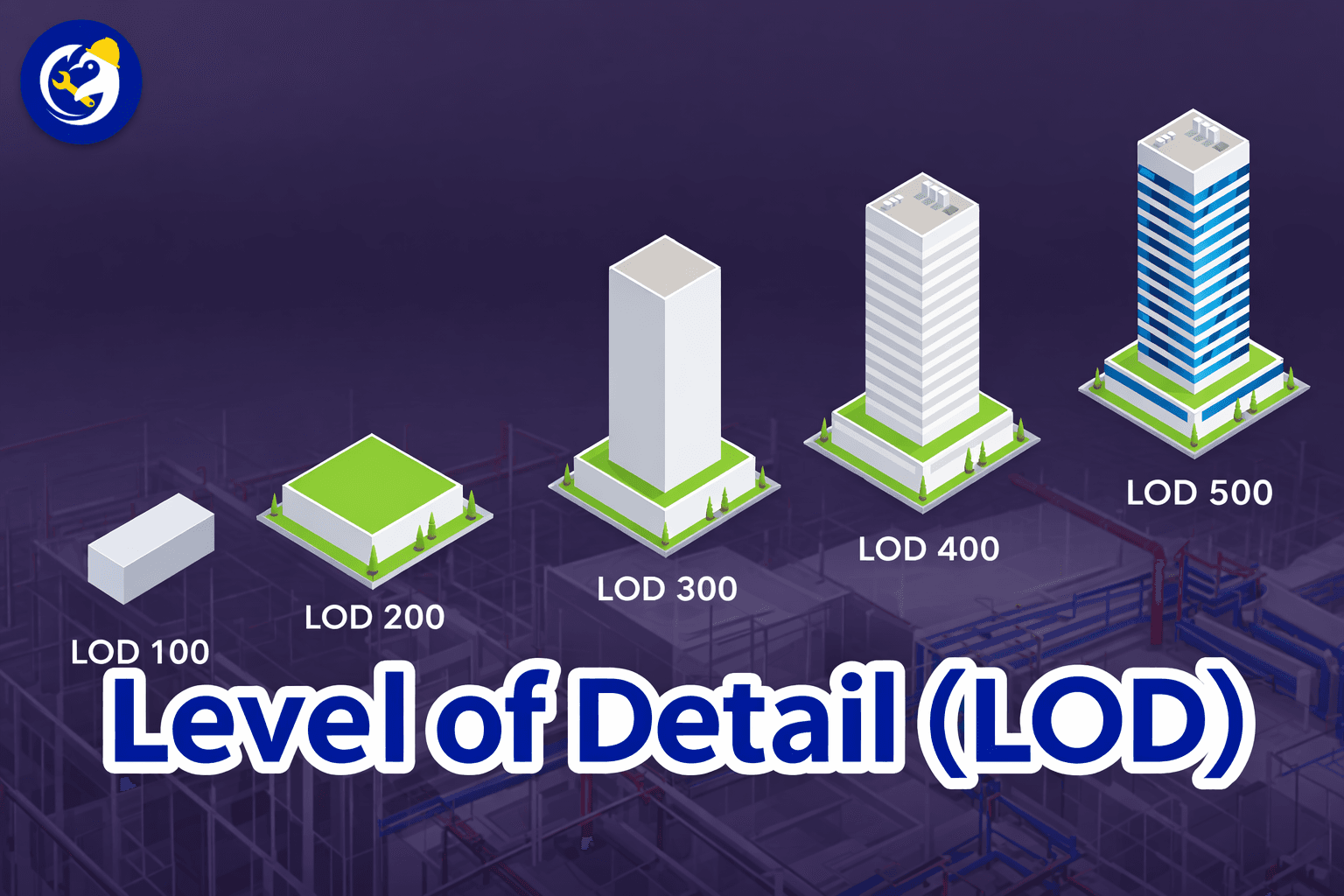
In practical BIM implementation, managing LOD (Level of Detail / Level of Development) is one of the key factors that directly impacts model quality, processing performance, and interdisciplinary coordination.
However, in reality, many projects still face issues such as incorrect LOD selection, inconsistent setup, or improper optimization. This leads to problems like heavy models, unstable visualization, or reduced efficiency when reviewing and utilizing 3D data.
Let’s explore with BIMCAD the 5 most common mistakes in LOD selection in BIM and how to effectively fix them, in order to optimize the model and ensure a balance between visual quality – performance – data usage.

Learn more: Level of Detail (LOD) in BIM
One of the most common mistakes in BIM implementation is using too few LOD levels, which causes the model to transition too abruptly from a highly detailed state to a simplified representation. This results in a less smooth visualization experience, often creating a “jerky” effect when switching between levels. It also breaks the visual continuity of the model. In addition, large jumps between LOD stages make it difficult for users to accurately understand the level of development of elements, which ultimately affects overall quality control.
To address this issue, it is necessary to define more intermediate LOD levels, creating a more gradual and logical transition flow from the conceptual stage to detailed design and final development. This approach helps maintain visual stability, ensures consistency in representation, and enhances data control throughout the entire project lifecycle.
In BIM, LOD is not only dependent on the level of detail but is also directly related to the viewing distance within a 3D model. When not configured properly, the model may switch LOD too early, causing unnecessary loss of detail, or too late, resulting in reduced system performance. This directly impacts the user experience when working with the model.
It is necessary to optimize the Near – Mid – Far thresholds in a proper way to ensure a balance between performance and visual quality. At the same time, real-world testing on different devices and environments should be conducted to fine-tune the settings according to the actual use case context.
When transitioning from high LOD to low LOD, if the geometry changes too significantly, users may experience visual confusion. This breaks the continuity of geometry, making objects harder to recognize across different LOD levels, and reduces the overall reliability of the model when used for design review or coordination.
It is important to maintain a stable silhouette across all LOD stages, simplifying only the non-essential details without altering the main shape of the object. This ensures consistent recognition across levels, while maintaining clarity, consistency, and usability throughout the BIM model.
In many BIM projects, most attention is focused on geometry, while textures are often overlooked even though they have a direct impact on overall system performance. Using high-resolution textures for all LOD levels leads to unnecessary memory consumption and reduces rendering and review performance, especially when working with large datasets or web-based platforms.
It is necessary to implement a strategy that reduces texture resolution across different LOD stages, while also optimizing materials based on viewing distance to maintain performance. More importantly, the goal is to keep a balanced level of quality instead of trying to “max everything,” ensuring the model remains both lightweight and visually effective.
To optimize performance, many BIM models are excessively simplified, resulting in too much unnecessary geometry reduction. This makes the model appear less natural, reduces the quality of shading and lighting, and negatively impacts the overall visual appearance in BIM environments or 3D review platforms.
It is important to retain key details that ensure object recognition, while only removing elements that do not affect the main form or structure. The goal is to achieve a balance between simplicity and realism, so the model remains both lightweight and visually high-quality.
The selection of LOD is not only a technical matter, but also a challenge of balancing performance and modeling experience.
In modern BIM solutions, especially those on Web and Cloud platforms, intelligent LOD management becomes a key factor that determines both user experience and overall implementation efficiency.
Are you facing difficulties in implementing BIM, Revit, CDE, or any technological and technical aspects related to BIM for your project?
Don’t worry— BIMCAD Vietnam is always ready to support and accompany you!