What is BCF in BIM?

What is BCF in BIM?

BIMCAD Journalist 09/03/2026
bcf in bim.png

What is the BCF File Format?


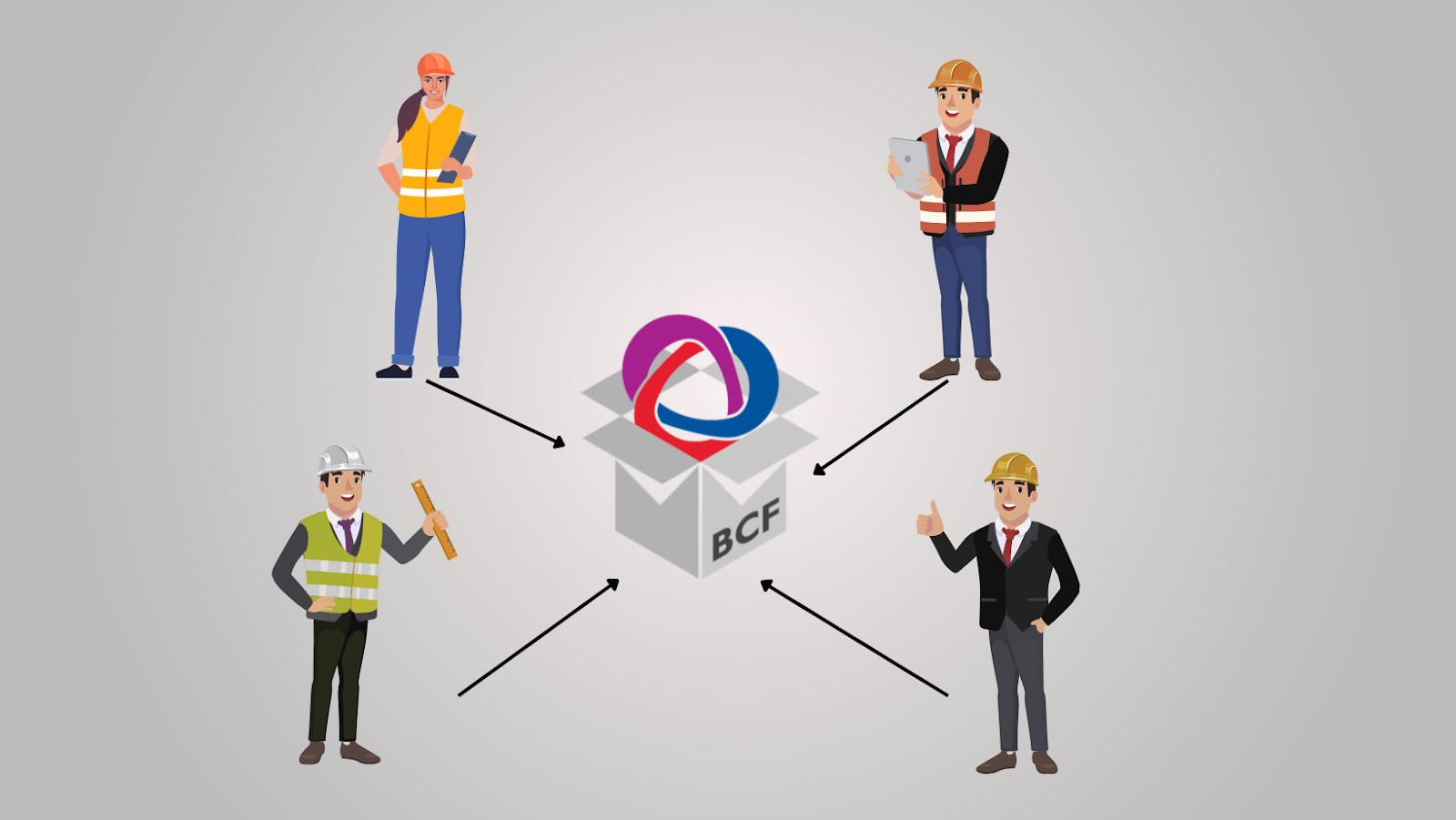
BCF, or BIM Collaboration Format, is an open standard designed to facilitate communication between different BIM applications without the need to share the entire BIM model each time. BCF helps improve IFC-based workflows and supports open communication between BIM software tools by avoiding proprietary formats and workflows.

To function, BCF uses the XML format to transmit data, which contains contextualized information about issues related to a specific view. This data is recorded through PNG snapshots and IFC coordinates, along with BIM elements such as IFC GUIDs, allowing information to be exchanged from one BIM application to another.

Learn more: Understanding IFC in BIM from A to Z

Benefits of Using BCF


  • High Interoperability: Project participants can collaborate, coordinate information, and exchange model-related issues even when they use different BIM software applications.
  • Enhanced Collaboration: This format allows project team members to easily communicate about issues within the model, thereby improving collaboration efficiency.
  • Risk Reduction: BCF helps minimize the risk of information loss and makes the process faster and more efficient.

Contents of a BCF File


Contents of a BCF File.png
  • Information: Description, author, assigned person, status, type, creation date, due date, GUID (Global Unique ID), etc.
  • Images: Viewpoints (IFC coordinates), snapshots, screenshots, and markups.
  • References: References to the 3D model, elements within the 3D model, documents, and other issues.
  • Communication: Correspondence and comments related to the issues.

How BCF Works


  1. Identify the Topic: Determine the issue or information request you want to communicate.
  2. Create an Issue: Provide a description, assign it to a person, and create a screenshot to explain the issue.
  3. Assign and Send the Issue: Send the issue to project collaborators for review and resolution.
  4. Confirm and Approve: The issue author can confirm and approve the issue to close it, or reject it and reactivate the issue.
  5. Review and Resolve: Project members review and address the issue until the author agrees that it has been resolved.

BCF Workflow Classification


There are two types of BCF workflows:

| File-based exchange
Team members create issues, save them as BCF files, and send them to each other via email.

| BCF Server
All issues and BCF data are stored and managed on a cloud server. Issues are assigned to the appropriate team members and duplication is avoided. All collaborators can access the information.

Learn more: The Difference Between BIM and CAD

Conclusion


BCF is a powerful tool that improves collaboration and issue management in BIM projects. Using BCF can help save time, minimize risks, and enhance overall project quality.

Are you facing difficulties in implementing BIM, REVIT, CDE, or any technological and technical aspects related to BIM for your project?

Don’t worry — BIMCAD Vietnam is always ready to support you!

CONTACT US NOW → 

Tags:
Share:
Get a free consultation
contact us
Fill out the form and contact us today for an absolutely free consultation of anything related to BIM/CAD.
footer
logo
text-logo
Quality & Information Security
are at the core of our priorities.
iso9001
iso27001
awardsaokhue
Contact
Email:sales@tgl-sol.com
Hotline:(+84) 377 359 728
Ho Chi Minh Office:42/1 Ung Van Khiem Street, Ward 25, Binh Thanh District, Ho Chi Minh
Da Nang Office:01 Tran Van Ky Street, Hoa Khanh Nam Ward, Lien Chieu District, Da Nang
Headquarter:3F Tojikyo Building, 16-2 Kodenmacho, Nihonbashi, Chuo-ku, Tokyo, Japan
Follow Us
BIM/CAD © 2023 All Rights Reserved
Hey 👋 I'm right here to help you, so just click the chat button.