BIM is the abbreviation for “Building Information Modeling.” The concept of BIM emerged not long after the introduction of CAD.
The adoption of BIM in Vietnamese companies began around the 2010s. Today, manual drafting is rarely used, and CAD has become widely adopted across the industry. However, the implementation of BIM in Vietnam’s construction sector is still not as widespread as expected.
While CAD focuses on modeling 2D and 3D geometry, BIM goes beyond shape modeling by incorporating various types of information. BIM includes three-dimensional data related to geometry, along with additional information such as time and cost, allowing BIM models to be represented in multiple dimensions such as 4D and 5D.
Learn more: BIM Roadmap and BIM Applications in Construction.
CAD stands for “Computer-Aided Design,” which refers to the use of computer technology to assist in the design process. The concept originated from the goal of improving design efficiency by leveraging the power of computers instead of relying on manual drafting.
CAD first appeared in the 1960s. Initially, 2D CAD was developed, and in the 1970s, 3D CAD began to emerge. The adoption of CAD in businesses started after the 1980s, but at that time computer performance was still a major limitation, so only a few large companies were able to implement it.
Since the 2000s, CAD has become widely used in many organizations. Looking back, although the history of CAD is quite long, its widespread practical use has only become common over the past two decades. In reality, the popularity of CAD software has significantly improved design productivity compared to traditional hand drafting.
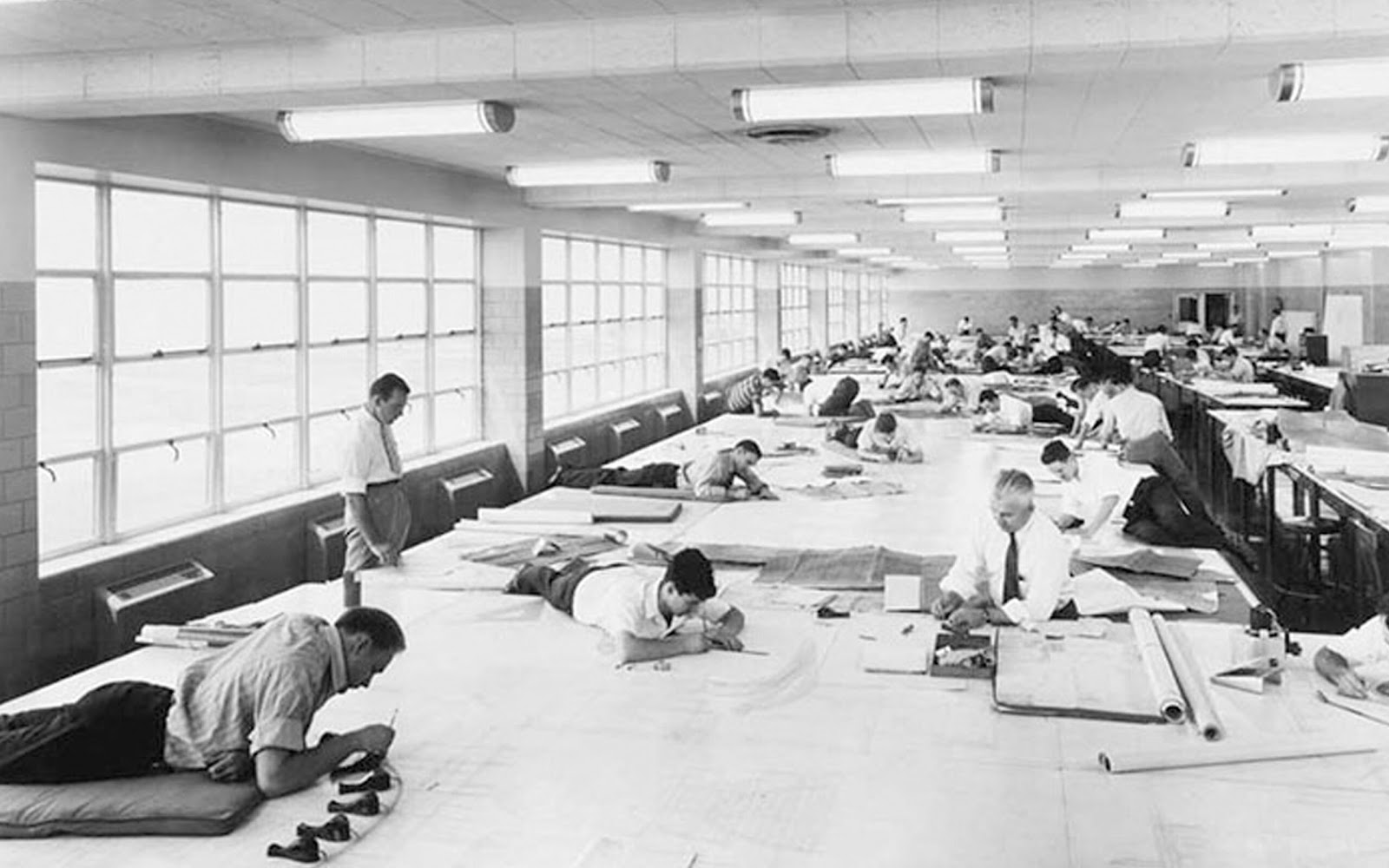
Engineers creating construction drawings by hand (Source: Collected)
BIM and CAD mainly differ in their data storage roles and the order of 3D conversion.
Unlike CAD, BIM allows additional information related to each building component to be embedded within the data. As a result, it not only supports technical drafting but also functions as a comprehensive information repository.
BIM can store and manage various types of project data, enabling its use not only during the design phase but also throughout the operation, maintenance, and cost estimation stages of a construction project.
CAD bắt đầu từ việc vẽ các bản vẽ 2D. Sau đó, các hình dạng 3D được tạo ra để tạo nên mô hình 3D CAD. Do đó, nếu có sửa đổi vào cuối dự án, sẽ cần phải làm lại từ bản vẽ 2D.
Ngược lại, BIM bắt đầu thiết kế từ 3D. Các bản vẽ 2D được tạo ra từ các mặt cắt 3D. Vì vậy, ngay cả khi có sửa đổi một phần, nó sẽ được phản ánh ngay lập tức trên từng bộ phận. Điều này giúp không cần tạo ra bản vẽ 2D một cách riêng lẻ, từ đó cải thiện hiệu suất công việc.
BIM plays an important role in the construction industry, where improving the efficiency of various projects and business processes is essential. However, BIM does not only bring advantages; it also has certain limitations. Here, we will explain in detail the advantages and disadvantages of BIM.
This process can be time-consuming and may lead to design errors.
Understanding the differences between CAD and BIM, as well as their respective advantages and disadvantages, is essential for selecting the most appropriate approach based on specific project needs.
Are you facing challenges in implementing BIM, Revit, CDE, or any other BIM-related technologies and technical solutions for your project?
Don’t worry — BIMCAD Vietnam is always ready to support you!