In a BIM project, hundreds — even thousands — of files, models, and documents are created every day by multiple stakeholders, including owners, design consultants, contractors, and operators. All of this data is centralized in a single environment called the Common Data Environment (CDE), where everyone can access and work on a shared source of information.
However, if everyone has the same level of access, risks immediately arise: accidental edits, data deletion, or using the wrong version. Therefore, permissions become a critical mechanism for controlling data in BIM, ensuring that each stakeholder works within their defined scope while minimizing errors throughout the project.
Let’s explore in detail how to effectively set up data permissions in a BIM environment in the article below.

Data permission in BIM refers to the process of defining and managing access rights — including viewing, editing, and sharing information within a BIM model — for different project stakeholders (such as architects, structural engineers, MEP engineers, contractors, and owners).
Within a Common Data Environment (CDE), permissions are typically structured in multiple layers to ensure both strict control and flexible collaboration:
The main objective is to ensure that each user or group can only access the data that is relevant and necessary for their work — no more, no less.
Learn more: Common Data Environment (CDE) in BIM
Data permissions are typically implemented through a Common Data Environment (CDE).

Below are the most commonly used permission methods:
Learn more: An Introduction to CDE
Criteria | VinaCDE | BIM 360 (Autodesk) | Trimble Connect |
|---|---|---|---|
RBAC (Role-Based Access Control) | - Clear role-based structure (BIM Manager, Engineer…) - Directly aligned with BIM workflow | - Very strong, highly detailed roles - Function-based control | - Available but simpler - Mainly group-based |
User / Company | - Based on users, teams, contractors - Suitable for Vietnam project structure | - Based on user + company + project - Flexible for multi-team environments | - Based on user & group - Easy to set up |
Data Level (Folder / File) | - Based on folders + data status - Aligned with WIP / Shared / Published | - Based on folders & documents - Granular control at each level | - Based on folders & files - Inherits permissions |
Workflow (BIM Status) | - Clearly defined: WIP → Shared → Published → Archive - Follows ISO 19650 | - Available but requires configuration | - Limited - Not a core workflow feature |
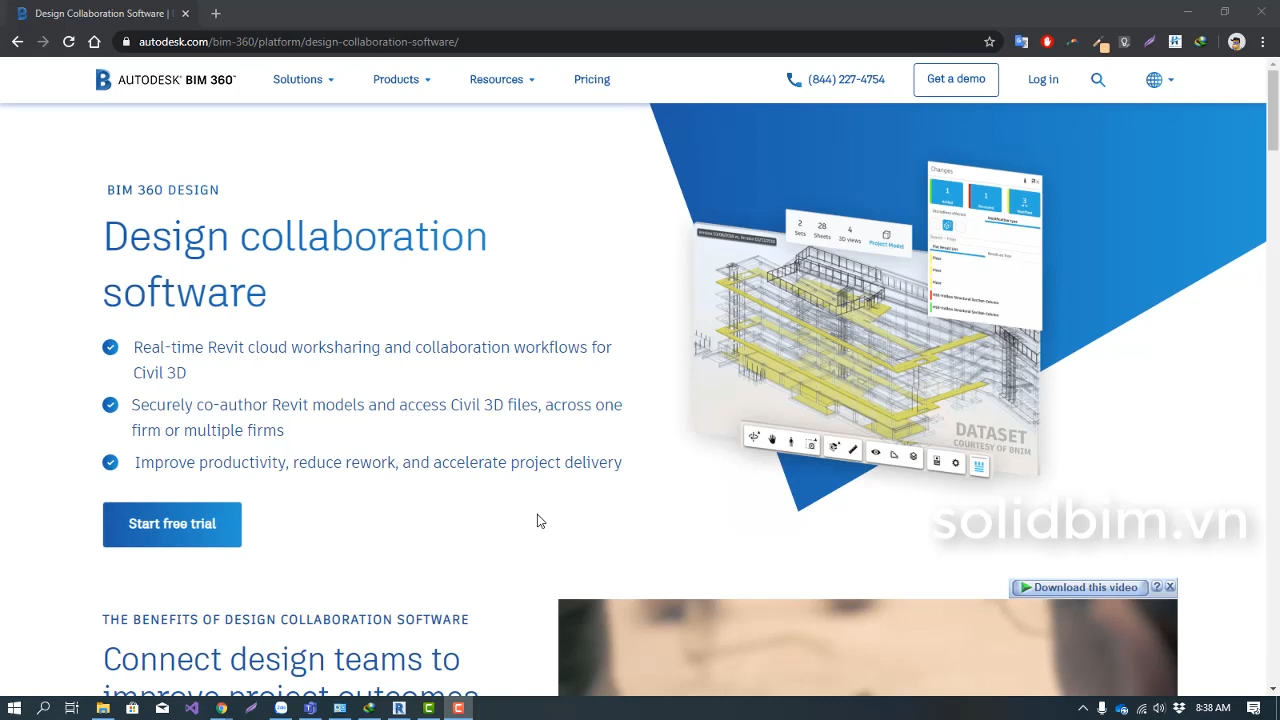
Autodesk BIM 360 is one of the most powerful platforms in terms of permission management, especially with its Role-Based Access Control (RBAC) model combined with company and project-level control. This makes it highly suitable for large-scale projects involving multiple stakeholders and strict standards.
However, to fully leverage its capabilities, organizations need time for configuration, training, and onboarding.
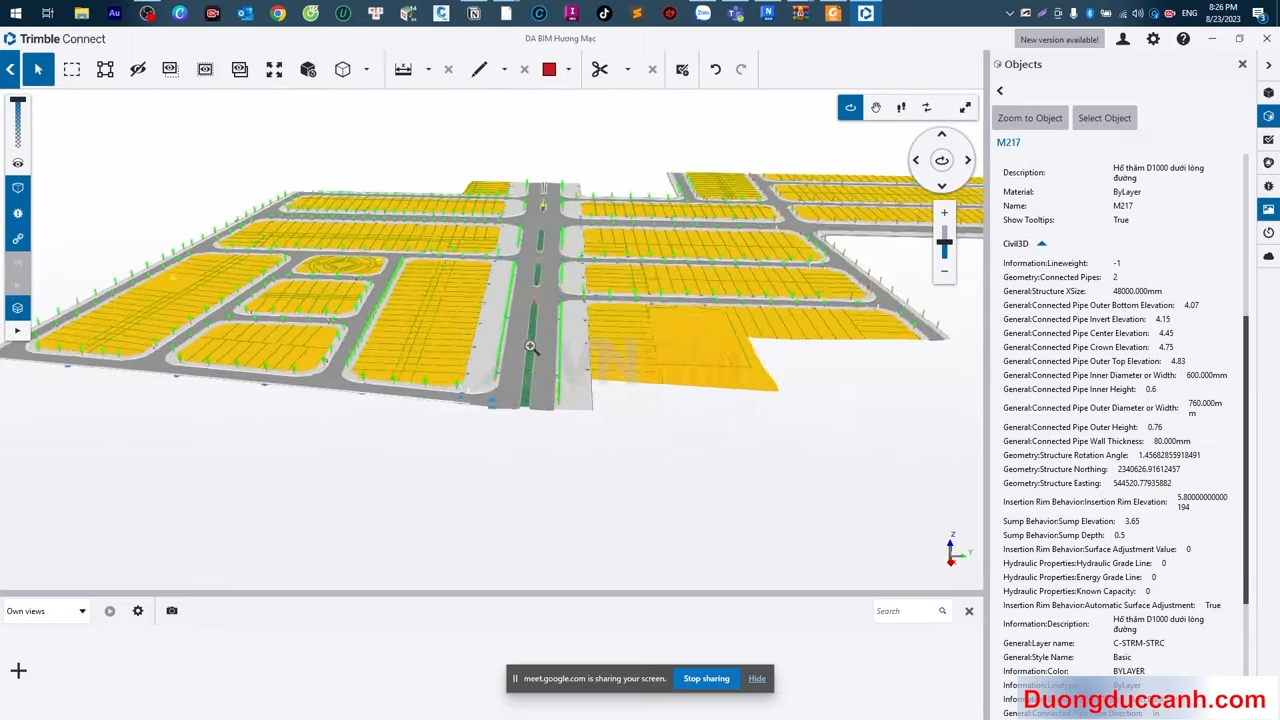
Ưu điểm nằm ở sự đơn giản và dễ triển khai, phù hợp với các team nhỏ hoặc các dự án cần phối hợp nhanh giữa các bên. Việc phân quyền theo user và group giúp setup nhanh, không phức tạp.
Tuy nhiên, nền tảng này chưa thực sự mạnh về workflow BIM chuẩn (WIP → Published), nên khả năng kiểm soát dữ liệu theo trạng thái còn hạn chế.
VinaCDE differentiates itself through its approach: not only managing permissions at the user level, but also directly integrating them with BIM workflows and data states. As a result:
This approach enables organizations to implement BIM effectively from the beginning, rather than just using it as a standalone tool.
If you are experiencing issues with version control, collaboration, or data permissions in your project, it is likely that you do not yet have a proper CDE system in place.
A platform like VinaCDE can help you establish clear permissions, centralize data management, and ensure that all stakeholders are working from a single source of truth.

Sign up for a free trial of VinaCDE
Each CDE platform has its own strengths when it comes to setting up and managing data permissions. For example, BIM 360 stands out with its advanced, standards-based permission control, while Trimble Connect focuses on simplicity and flexibility in collaboration. Meanwhile, VinaCDE is well-suited for practical implementation in Vietnam, offering permission management closely aligned with BIM workflows and ease of adoption.
The above provides an overview of common permission methods in CDE and how different platforms apply them. As BIM continues to evolve, establishing the right permission structure is not only essential for effective data control, but also serves as a foundation for optimizing collaboration and improving project quality throughout the entire lifecycle.
Are you facing challenges in implementing BIM, Revit, CDE, or any technology and technical aspects related to BIM for your project?
Don’t worry — BIMCAD Vietnam is always ready to support you!